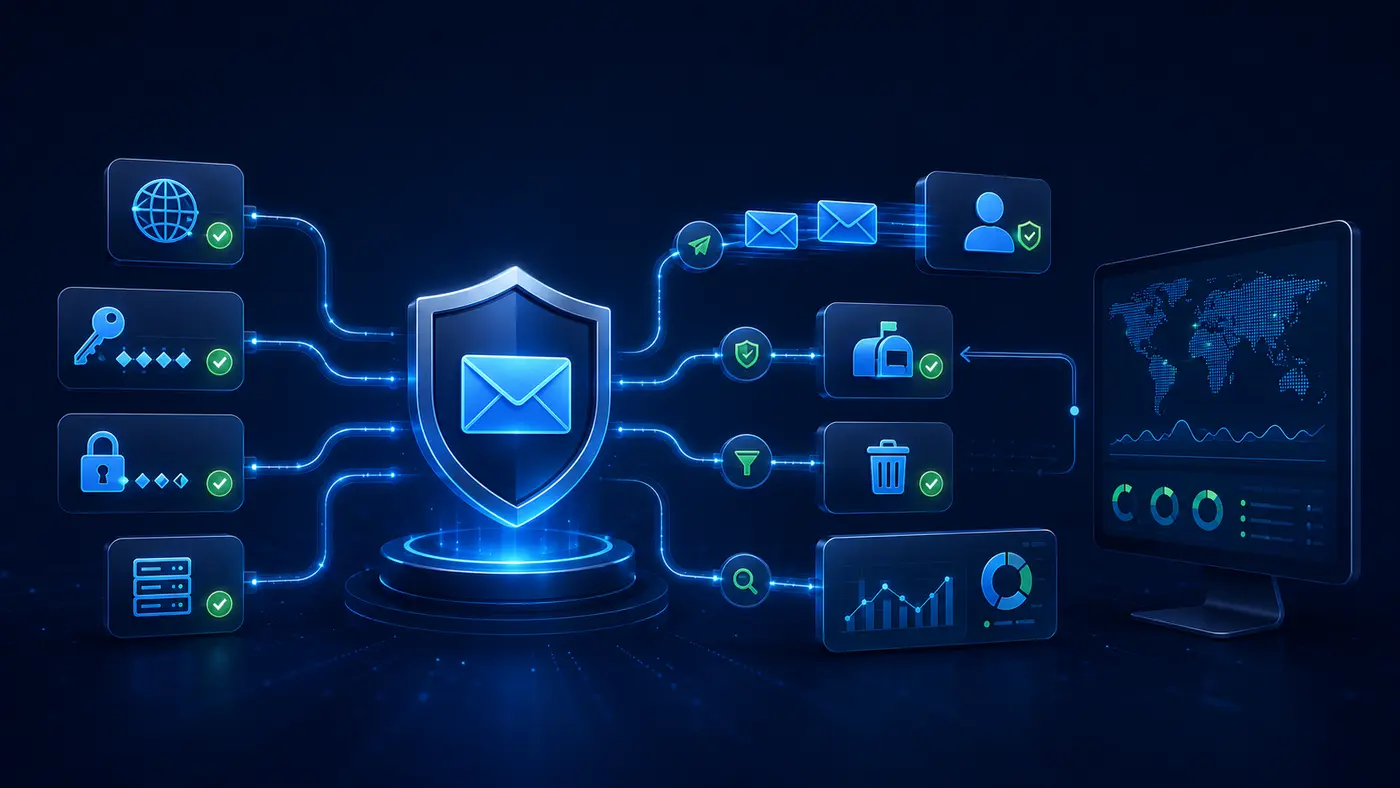
Quick answer: A dependable cold email setup needs dedicated sending domains, authenticated mailboxes, accurate prospect data, gradual sending, clear identification, an easy opt-out, reply handling, and ongoing deliverability monitoring.
Start with policy and audience
Before technical setup, document who may be contacted, why the message is relevant, which countries are in scope, what lawful basis or consent standard applies, and how suppression requests are honored. Technical deliverability does not equal legal permission.
1. Protect the primary business domain
Many teams use clearly related secondary domains for outbound campaigns so operational business email remains isolated. Domains should not imitate unrelated companies or mislead recipients.
2. Configure email authentication
Set SPF, DKIM, and DMARC correctly for every sending domain. Review alignment and reporting instead of assuming that a green check in one tool proves the entire configuration.
3. Create identifiable mailboxes
Use real sender names, monitored reply inboxes, a valid company identity, and contact information. Recipients should understand who is contacting them and how to respond.
4. Build accurate lists
Define the audience, record the data source, remove duplicates, check exclusions, and validate addresses. Do not purchase opaque lists without understanding origin and permitted use. List building is one stage of a larger system — see how to automate lead generation for a small business.
5. Ramp sending cautiously
New mailboxes should not move immediately to high volume. Increase gradually, keep daily limits conservative, and prioritize relevance over volume. Sudden spikes and repeated templates can damage reputation.
6. Personalize from real data
Use verified facts related to the recipient’s business. Avoid invented compliments, fake prior relationships, and AI-generated claims that cannot be checked.
7. Handle replies and opt-outs
Stop sequences when someone replies, opts out, changes company, or is otherwise ineligible. Maintain a central suppression list across campaigns and sending accounts.
8. Monitor the right signals
Watch bounce categories, blocks, spam complaints, positive and negative replies, domain reputation, and booked conversations. Open tracking is increasingly unreliable and can create privacy or deliverability concerns.
How many cold emails should a new mailbox send?
There is no universal safe number. Provider rules, mailbox history, list quality, content, reputation, and recipient response all matter. Begin conservatively and adjust based on real deliverability signals.
Does email verification prevent spam complaints?
No. Verification can reduce invalid-address bounces. Complaints depend on targeting, relevance, transparency, frequency, and whether recipients expected or wanted the message.
Key takeaways
Cold email infrastructure requires authentication, relevant targeting, controlled sending, monitored replies, and immediate suppression of opt-outs.
- Configure SPF, DKIM, and DMARC for every sending domain.
- Use accurate lists and truthful personalization.
- Stop sequences after replies, opt-outs, or status changes.
How AgentAutomators approaches this topic
Our guidance separates business rules from tools. We document the intended outcome, data source, owner, access, exceptions, stop conditions, measurement, and support path before recommending automation.
Practical implementation questions
- Which event starts the process?
- Which data is required and who is allowed to access it?
- What qualifies as success, failure, or an exception?
- Which actions require human approval?
- How will errors, opt-outs, and changes be recorded?
- Who owns monitoring and maintenance after launch?
Source and further reading
Example: responsible outbound operating flow
An approved prospect record enters a campaign only after source, relevance, verification, prior-contact status, and suppression checks pass. The system selects an eligible mailbox under its configured daily limit, records the message version, and schedules delivery during an appropriate time window.
Replies, opt-outs, hard bounces, and provider blocks immediately stop future steps. Positive replies create a sales task in your CRM — see CRM automation for small business for the follow-up side. Complaints and delivery problems pause the affected sender for review. This operational loop is more important than simply increasing volume.
Infrastructure evidence to retain
- Domain ownership and DNS authentication records
- Mailbox provider rules and approved limits
- Prospect source and targeting rationale
- Suppression list and opt-out processing history
- Bounce, block, complaint, and reply classification logs
- Named owner for deliverability and compliance review
Metrics that matter
Need help implementing this? Discuss your workflow with AgentAutomators.